Real explanations, real math
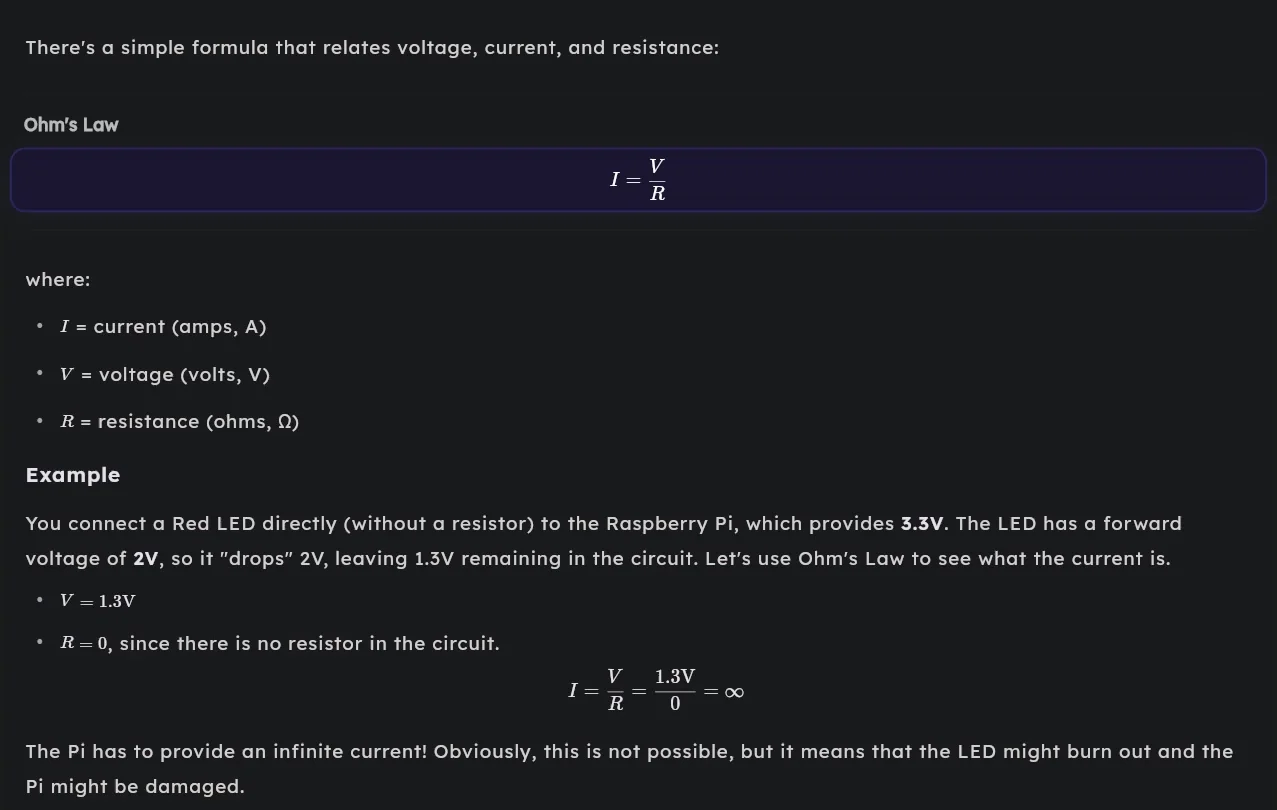
Typeset formulas like Ohm's law, worked through with real numbers, plus safety notes like why your LED needs a resistor.
Features
Lessons, a code editor, your Pi's terminal, hardware checks, graded challenges and an AI helper, all connected to a real Raspberry Pi on your desk.
How a lesson flows
01
Theory, diagrams and math
02
Check you've got it
03
Wire it step by step
04
FigLab tests your circuit
05
Code it, get graded
Every lesson explains the why: what each part does, how it works and the math behind it, written for students.
Typeset formulas like Ohm's law, worked through with real numbers, plus safety notes like why your LED needs a resistor.
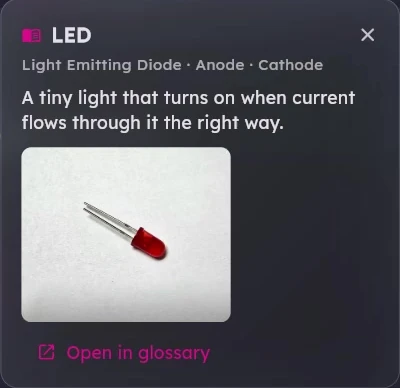
Tap any highlighted word for a quick definition and photo, or open the full glossary when you need a refresher.
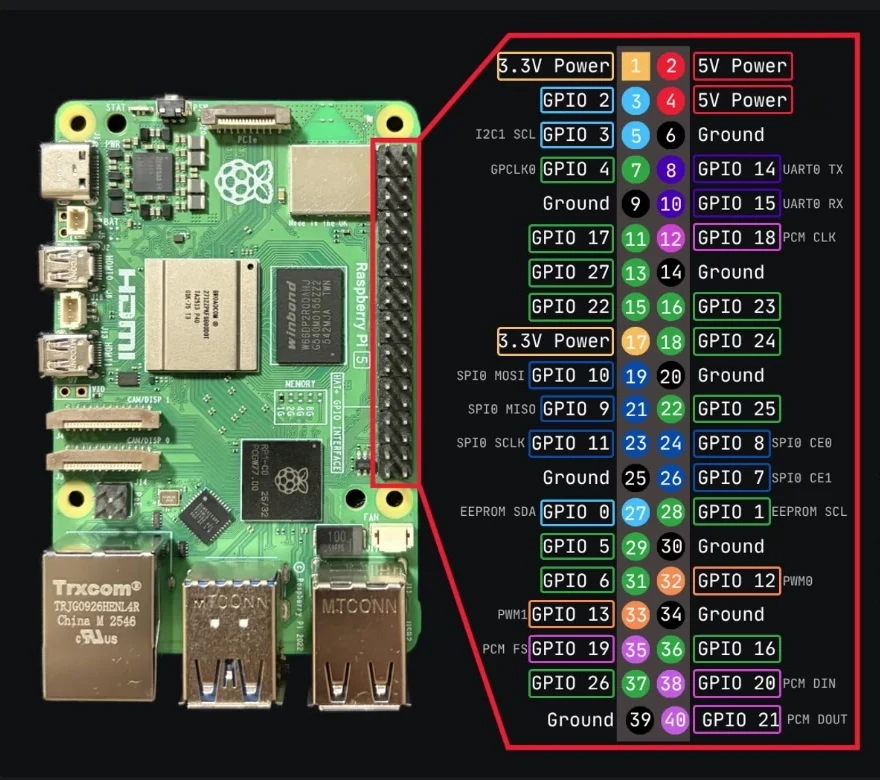
Clear visuals for every part and pin, like this Raspberry Pi GPIO reference.
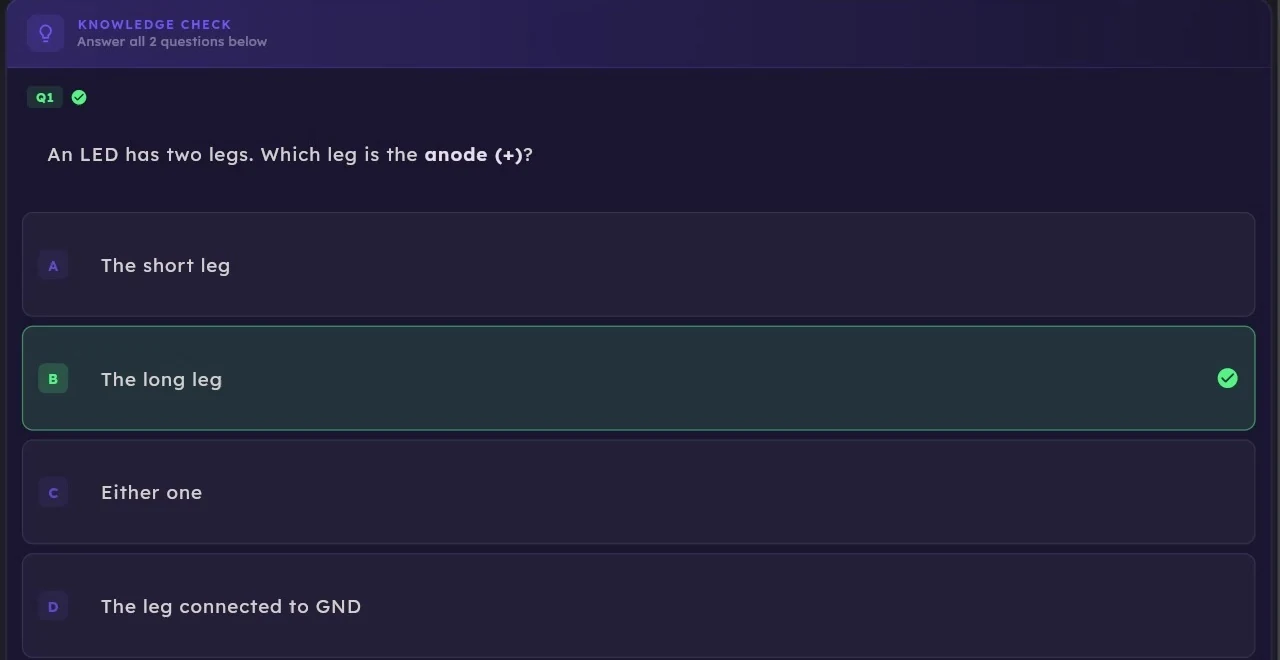
Short questions throughout each lesson, so you know you've got it before moving on.
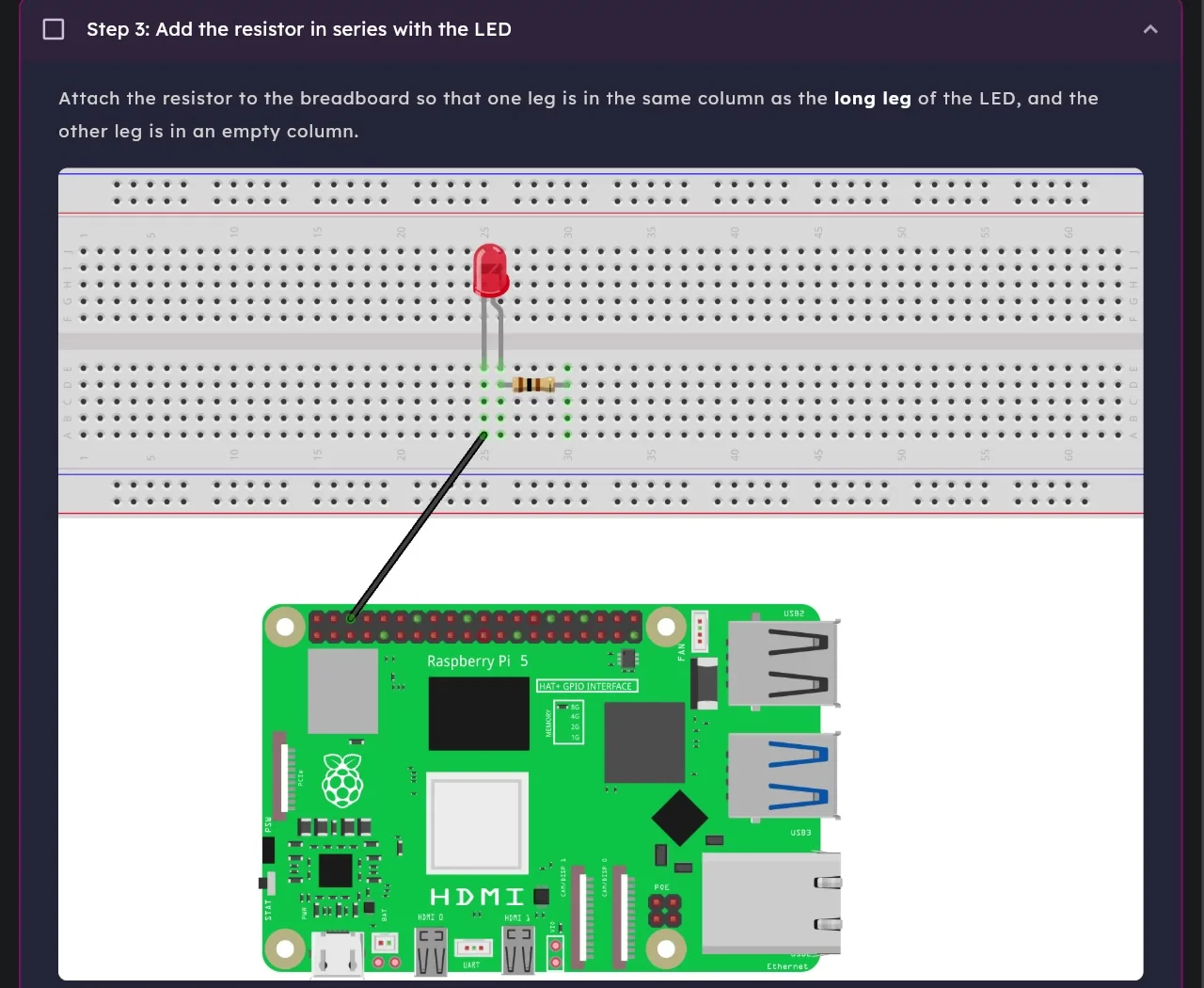
Step-by-step wiring guides and checks that run on your actual hardware, so mistakes get caught early.
Wiring steps come with breadboard diagrams. Check each one off and the next one unlocks.
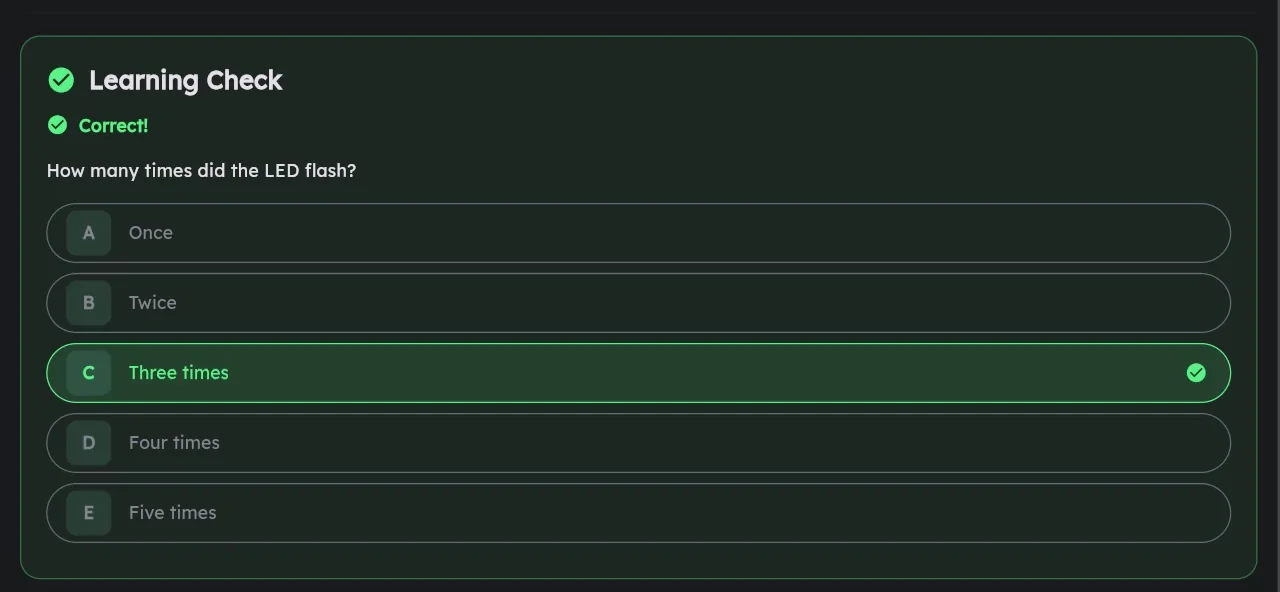
Your Pi connects to the FigLab app wirelessly, so it doesn't need its own monitor or keyboard. Your computer is the only screen you need.
FigLab tracks each step, from wiring to creating and saving the right file, and includes troubleshooting tips like “Help, my LED isn't working!”
Quick Learning Checks make sure the circuit you just built actually works, so a loose wire or a misbehaving component doesn't drive you crazy later.
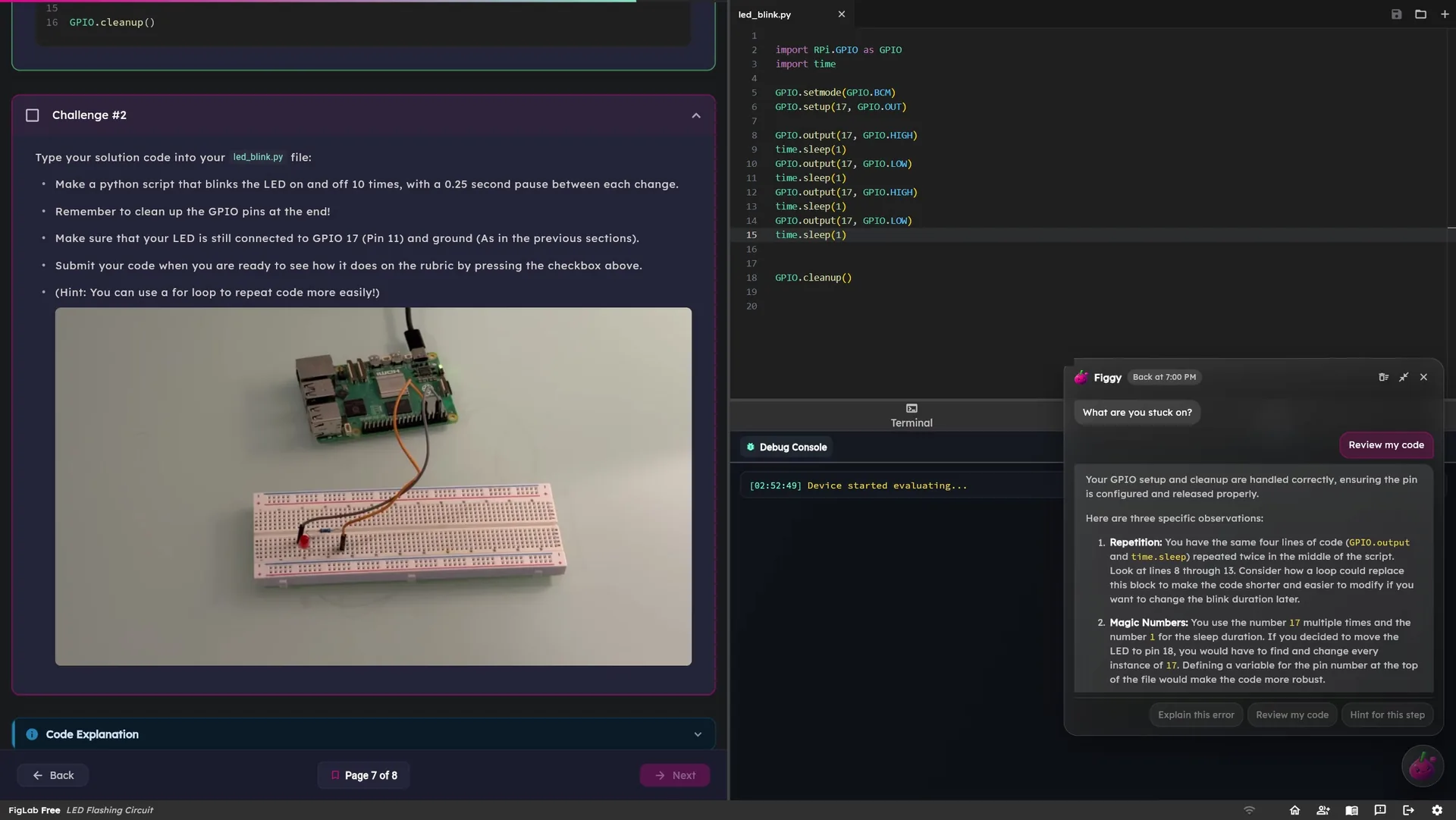
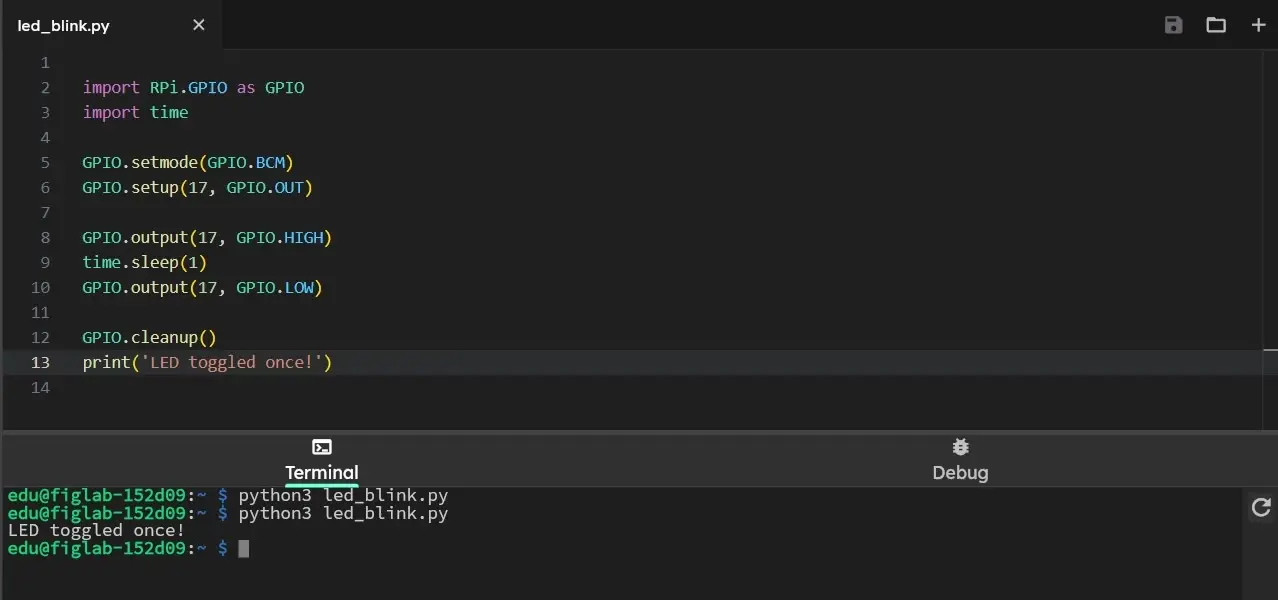
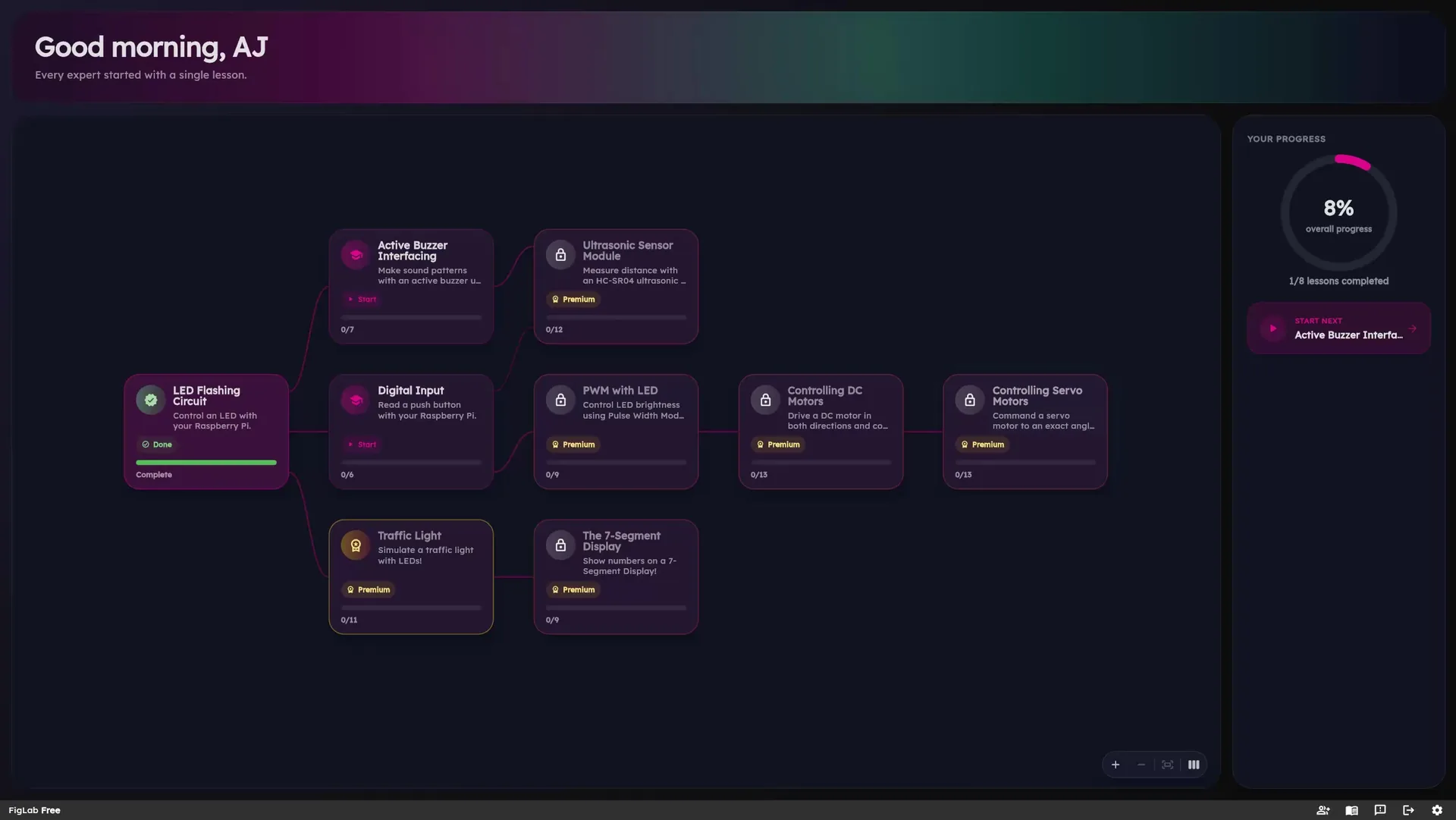
A proper code editor and your Pi's terminal sit right next to the lesson. Challenges are graded automatically, and Figgy helps when you're stuck.
Syntax highlighting and autocomplete, with your Pi's own terminal underneath. Save, run and see the output instantly.
Submit your solution and FigLab runs it on your Pi, then scores each part of the rubric so you know exactly what to fix.
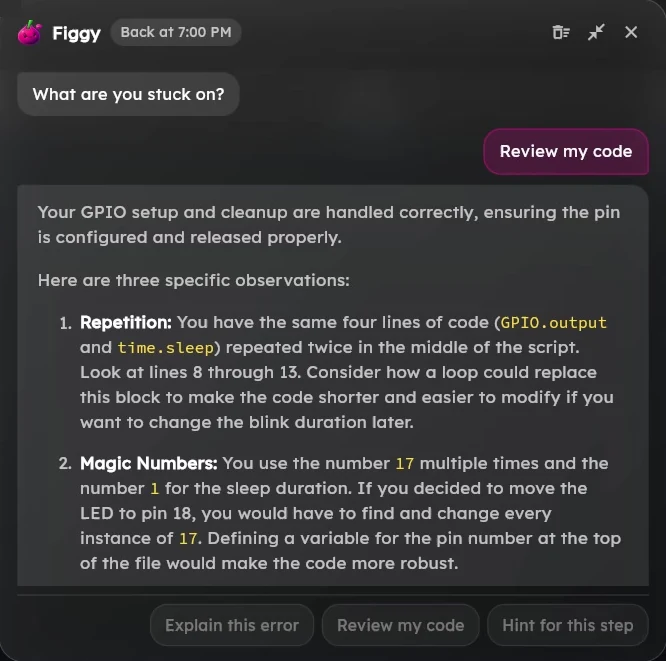
Stuck on a challenge or a task step? Ask Figgy. It reads your code and the step you're on, then nudges you toward the answer instead of giving it away.
For teachers
FigLab gives each student guided lessons and instant feedback on their own Pi, so you can spend class time helping students instead of debugging breadboards.
Supported hardware
FigLab runs on these Raspberry Pi models. You'll also need a power supply, a microSD card (16 GB or more) and a basic electronics kit with a breadboard, LEDs, resistors and jumper wires.
How FigLab compares
Lots of great tools teach coding or electronics. FigLab is built for learning on a real Raspberry Pi, with feedback from the hardware itself.
| Feature | FigLab | CodeHS | Arduino | Raspberry Pi Code Editor | micro:bit | Tinkercad Circuits |
|---|---|---|---|---|---|---|
| Hardware you program | Real Raspberry Pi | Arduino, micro:bit | Arduino boards | Browser only | micro:bit | Simulated |
| Theory, wiring and code in one lessonMath, diagrams and code side by side | Yes | Yes | Partial | Partial | Partial | Partial |
| Checks your real circuitConfirms your wiring actually works before you code | Yes | No | No | No | No | No |
| Challenges auto-graded on a rubric | Yes | Yes | No | No | No | No |
| AI helper that reads your code | Yes | Yes | Yes | No | No | No |
| Teacher dashboard | Yes | Yes | Yes | Yes | Partial | Yes |
Based on each product's public information as of October 2026.
What's next
FigLab is growing quickly. These are the things we're working on next.
Gentler lessons for middle school and younger.
Drag-and-drop blocks for first-time coders.
Multi-part builds that combine several lessons.
Lessons that adjust and make sure that every student is learning in the best way.
Use FigLab lessons with an Orange Pi 4 Pro or Orange Pi Zero 2W.
Try a circuit on screen before you build it.

Create a free account and start with our introductory lessons. All you need is a Raspberry Pi and a basic electronics kit.